Property Management in Manawatu



Tenant Maintenance
Need to report something at your rental property? The quickest and easiest way is through your Keyhook Tenant Portal, where you can submit maintenance requests directly to your Property Manager.
Report Maintenance
The easiest way to report maintenance at your rental property is through the Keyhook Tenant Portal, available through the Keyhook app or online.
Log in to your Keyhook Tenant Portal and open your tenancy property. Log in – Keyhook
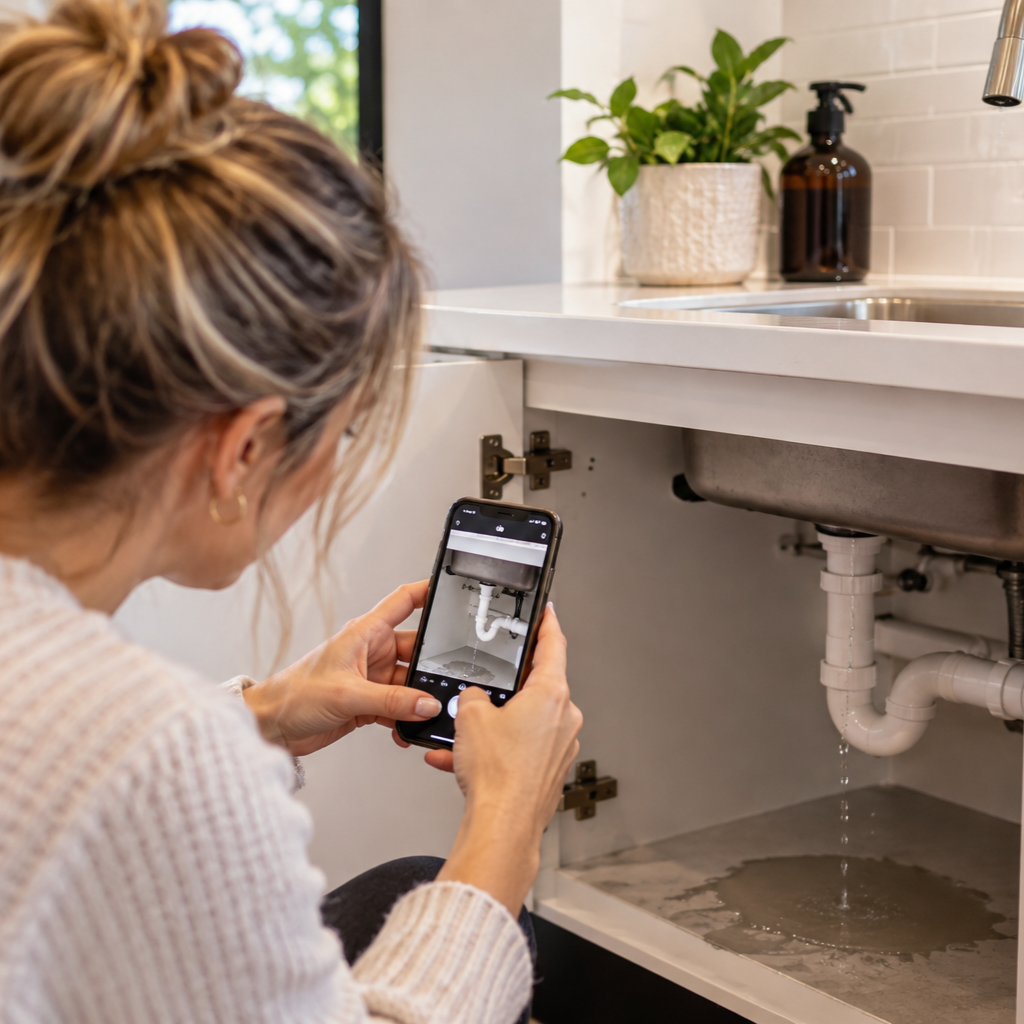
Scroll down to Maintenance Requests, select New Maintenance Request, then add the details of the issue. Please include a clear description and photos where possible, as this can help us assess the problem and arrange the right tradesperson more quickly.
Once submitted, your maintenance request will be sent through to your Property Manager.
Is your maintenance urgent?
If you have an urgent maintenance issue, please contact your Property Manager directly rather than relying solely on a maintenance request through the portal.
Urgent maintenance may include things such as a serious water leak or flooding, significant electrical fault, no water supply, a serious security issue, or another problem that requires immediate attention.
If there is an immediate danger to people or property, please contact the appropriate emergency service first.
Don’t have access to Keyhook?
If you haven’t activated your Keyhook Tenant Portal or are unable to access it, please contact your Property Manager directly to report the maintenance issue.
